Every department had its own tool, so work stalled at every handoff.
ISS365 · A connected operating system for SMEs, built from 0 to 1. 2025.
- Role
- Product Design Lead
- Timeline
- 32 months
- Team
- 3 product designers
- Platform
- Web and mobile app (B2B SaaS)
- Method
- User research, JTBD, role-based UX, IA, task flows, prototyping, design system from zero to one, usability validation
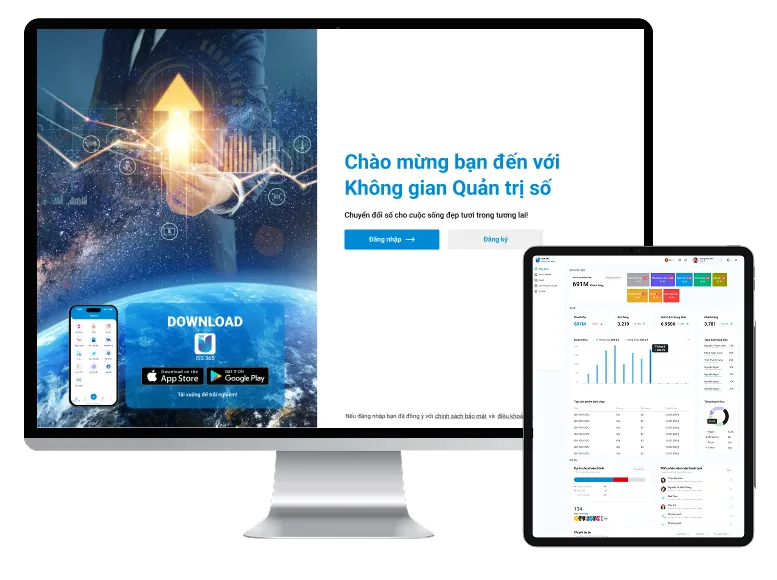
The business was already digital. It was fragmented.
Each local step worked. The friction appeared when work crossed a department boundary.
The organisations we worked with were not starting from zero. Most departments already had a tool that worked for their own needs.
- TechnologyProject management tools such as Jira.
- MarketingExcel and spreadsheets.
- AccountingDedicated software such as MISA.
- AttendanceManual processes.
- Leave and business tripsPaper or chat.
- Customer communicationZalo, Facebook and separate channels.
A simple internal request could move through several people: the employee submits, the manager reviews, another team processes it, and the employee waits for a status. Information lived in different places. Status needed manual follow-up. Responsibility became harder to trace.
Managers depended on Projects, Sales, Accounting, HR and Operations to know where to step in. Employees had to remember where each task, request or process lived.
The design question: how might we reduce operational fragmentation while preserving the different ways teams need to work?
Why fragmentation kept returning
At first, tool switching looked like the problem. A 5 Whys analysis pointed to something deeper.
Why did users switch tools and follow up manually?
Each department recorded work, ownership and status in a different place.
Why were those records disconnected?
Existing tools were optimised for local departmental work, not for handoffs across the company.
Why did cross-department handoffs break?
Shared objects such as Request, Employee, Customer, Approval and Status were recreated differently in each workflow.
Why was the same business object recreated?
Early product development was organised around modules and company-specific workflows, not shared product rules.
Why did company-specific behaviour become product logic?
There was no explicit productisation gate to decide what stays local, what becomes configurable and what becomes a shared rule.
Root cause: ISS365 lacked a shared product model and a governance process for cross-module behaviour before capabilities began to scale.
This was an actionable root cause. It changed the work from "redesign the confusing screen" to three system-level actions.
- Define shared objects firstDefine shared business objects and their relationships before designing module screens.
- Review before productisingIntroduce a productisation review for local behaviour, configuration and reusable rules.
- Assign ownershipAssign ownership for shared interaction patterns, access behaviour, measurement and release governance.
If we had stopped at Why 1 to Why 3
We could have cut a few clicks, added another dashboard or synchronised selected data. The product would feel better for a while, but every new module would recreate the same ownership, status, permission and handoff problems: more integration debt, more inconsistent interface states, higher support cost.
Jobs, not modules, connected the product
Modules organised capabilities. They did not explain how work moved through the company.
We mapped the product from the job down to the interface: Jobs, then Workflows, Business objects, Rules, Capabilities, and last Modules.
| Recurring job | What users needed to know or do |
|---|---|
| Understand business health | Know where the company, team or project needs attention. |
| Coordinate work | See ownership, workload, priorities and blockers. |
| Make internal requests | Submit the right information and know what happens next. |
| Understand performance | Track KPI, progress and personal performance. |
| Manage customer relationships | Keep customer activity, orders and ownership connected. |
| Find organisational knowledge | Find information without depending on another person. |
These jobs shared one set of objects: Task, Request, Employee, Customer, Project, Order, KPI, Approval, Status and Organisational Unit. A Request, for example, could connect an employee, a manager, a department, an approval rule and a status.
Its presentation could change by role or platform. Its business meaning needed to stay stable.
A fixed Manager or Employee persona was a useful start but too simple for an SME. One person could work in two modes, and the account stayed the same while the responsibility changed with the task.
| Attention mode | Typical concerns | Main question |
|---|---|---|
| Strategic | P&L, risk, business health | Where do I need to intervene? |
| Execution | Income, KPI, performance | What do I need to do next? |
After the first core modules were live, the question changed from "what needs to exist?" to "what deserves attention next?". Frequency alone was a weak answer: attendance creates daily usage, while a permission error or a high-impact approval happens less often and carries more risk. So signals were weighed on five dimensions, and each signal got one of four responses.
- Reach and frequencyHow many users or businesses face it, and how often?
- SeverityWhat happens when the workflow fails?
- Business importanceDoes it affect revenue, operations, risk or management visibility?
- Evidence confidenceDo we have a report, a repeated pattern or measured production behaviour?
- System leverageWould solving it improve one screen or several workflows and modules?
| Situation | Response | ISS365 example |
|---|---|---|
| An important job was missing | Build | Attendance |
| Existing behaviour was already valuable | Integrate | CRM communication channels |
| A current workflow showed friction | Improve | Request submission |
| The same problem repeated across modules | Systemise | Permissions and shared interaction patterns |
This kept the roadmap from turning every request into a feature. A signal first had to reveal the type and level of the problem.
Two decisions, each with its trade-off
Permissions and CRM channels both tempted us toward the simpler answer. Each had a long-term cost.
Permission could not stay a screen-level rule once ISS365 had to support different organisational structures. Three needs had to stay in balance: users see only what they may access, permission does not block work they are responsible for, and the model supports both simple and complex organisations.
| Direction | Strength | Weakness | Long-term consequence |
|---|---|---|---|
| Fixed roles | Easy to set up and explain | Too restrictive as organisations grow | More exceptions and manual workarounds |
| Fully granular access | Maximum control | Heavy setup and maintenance | More UI states, test cases, support scenarios and configuration errors |
| Progressive access (chosen) | Simple defaults, deeper control when needed | More system logic underneath | Scales better if rules and ownership stay governed |
Broad roles such as Owner, Manager and Employee give a starting point. More control opens through three steps: organisation and department, then project and data scope, then responsibility and exception. The result is closer to a hybrid of RBAC and ABAC than to a purely fixed-role system.
Permission also changed what the interface shows. Hide when the resource itself should not be discoverable. Show as restricted when users may know it exists but cannot open its content. Show as disabled with an explanation when keeping an unavailable action visible helps explain the workflow.
The cost we accepted
Progressive access increased flexibility, but every new access dimension also expanded the testing and maintenance surface. Permission therefore needed central rules, not local exceptions scattered across modules.
The second decision came from an all-in-one assumption: every existing tool should eventually move inside the platform. CRM showed why that can fail. Customer conversations already happened in Zalo, Facebook, fan pages and other touchpoints, while orders, purchase history, ownership and sales activity lived elsewhere.
Replace existing channels
Move conversations into the platform.
Strengths
- More control for the platform
Weaknesses
- Forces users to change established behaviour
- The vendor gains control, users absorb the migration cost
Integrate existing channels Chosen
Connect the channels to the customer record: conversations, orders, purchases, owner and status.
Strengths
- Preserves familiar work and connects context
- Sales teams keep their workflow and gain a fuller customer view
Weaknesses
- Depends on third-party APIs and policies
Connection did not always mean replacement. Integrate before replace.
The value came from reducing fragmentation around the customer relationship, not from forcing every conversation into ISS365. The choice carried a long-term dependency risk around APIs, authentication, platform policies and maintenance. We accepted it because replacing familiar channels would have created a larger behaviour-change risk with weaker user value.
Web and mobile for different work contexts
Mobile was not treated as a smaller web app. Role and context decided what each platform carried.
- WebManagement, reporting, configuration and data-heavy operations.
- MobileAttendance, field check-in, notifications, requests and quick approvals. Face and location supported attendance, and location-aware check-in supported customer visits in the field.
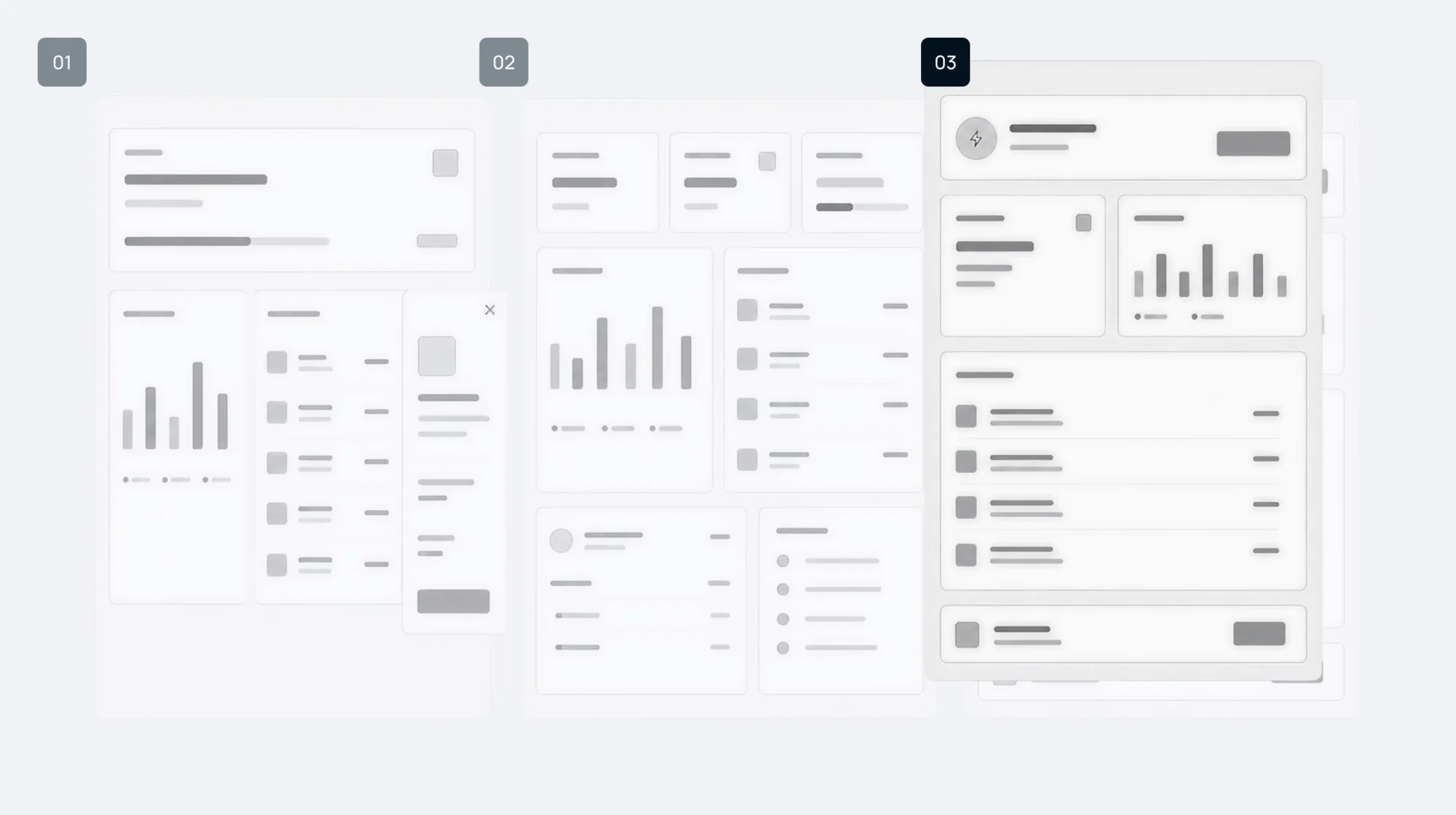
The Request journey shows how a signal moved from detection to design. Production analytics showed a meaningful drop around the approval-details step. Users were already reaching and starting the flow, so discoverability was less likely to be the main problem. Different evidence answered different questions.
- GA4 funnelWhere was completion breaking, and how large was the signal?
- Hotjar recordingsWhat were users doing around that point?
- Usability testingWhat were users trying to understand?
The evidence showed repeated hesitation, backtracking, repeated interaction and weak system feedback. Users struggled to understand which information was required, whether their action had registered, where they were in the process and what would happen after submission. The working diagnosis had two parts: decision load, with too much information and too many choices upfront, and weak system feedback.
- Required information firstDelay secondary inputs until they become relevant.
- Visible progressShow what is complete and what remains.
- Predictable statesClarify Active, Disabled, Loading, Success and Error.
- Clear confirmationExplain whether the request was received, its status and what happens next.
A design system that scaled decisions, not screens
The root problem was not inconsistent colour or spacing. It was the lack of a process for deciding when local behaviour becomes a product rule.
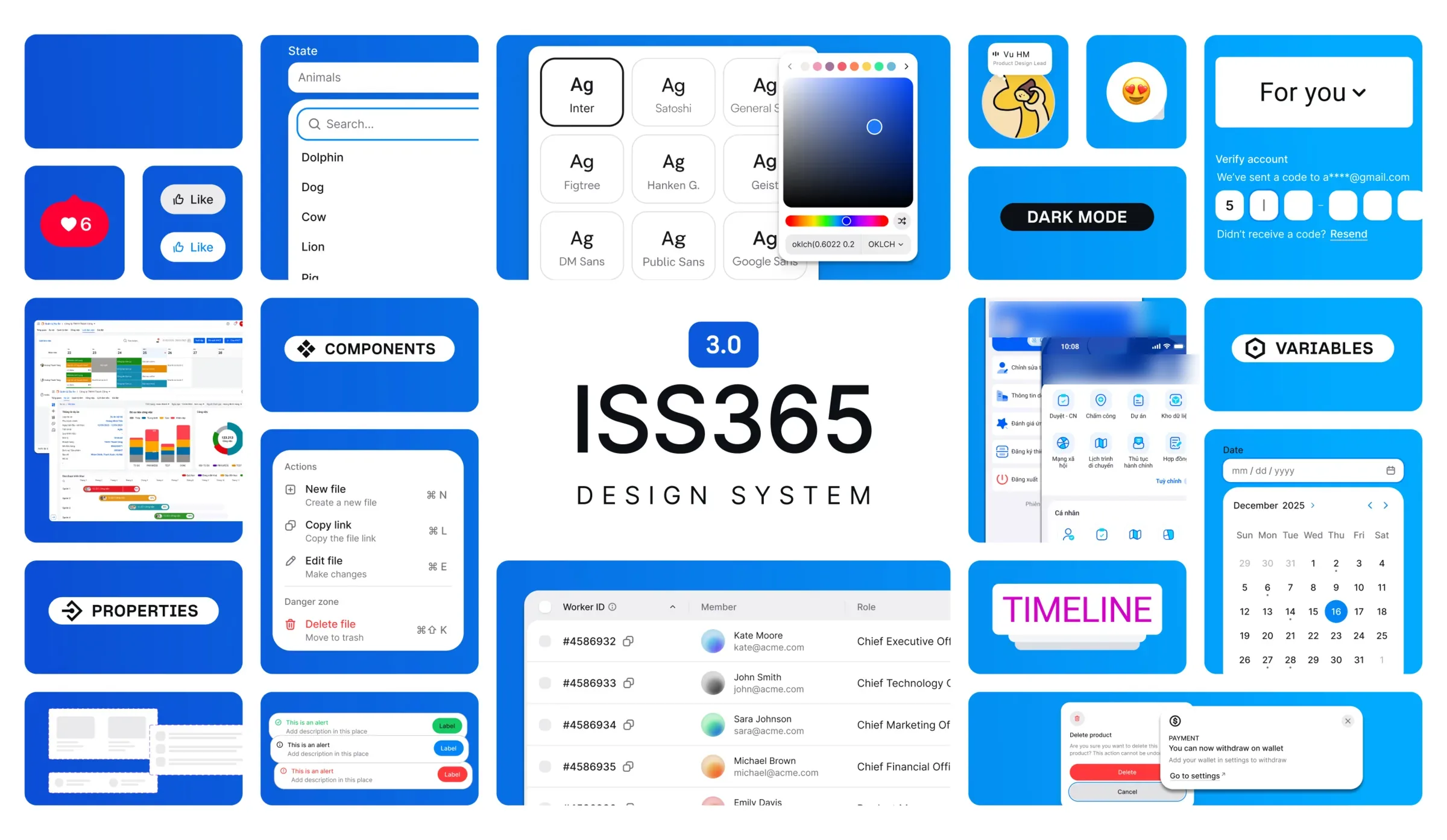
As modules were built in parallel, similar interactions began to collect different local implementations. Users had to relearn behaviour, and designers, developers and QA repeated work. The rule was: repeat first, abstract second. A solution stayed local while the requirement was specific, the behaviour was still changing, or the domain truly needed a different pattern. When behaviour became stable and repeated across contexts, it moved into the shared system: local solution, repeated behaviour, review, shared rule, then Figma and Storybook.
- FoundationsColor, typography, spacing, grid, semantic tokens.
- ComponentsInput, button, select, table, status, modal.
- PatternsSearch, filtering, approval, validation, feedback, empty and error states.
Reusable behaviour needed usage guidance too: when to use it, why it existed, how it behaved and which edge cases it covered.
Consistency should standardise reusable behaviour, not force every domain into the same information density.
Standardisation had a limit. One view held that fewer fields and lower density would always be easier. Accounting workflows challenged that: experienced accountants rely on familiar codes, columns, terminology and financial structures, and hiding too much slows comparison. For dense expert workflows we kept the useful information and improved hierarchy, grouping, alignment, scanability and error prevention.
My design reviews therefore asked questions that reach beyond one screen.
- Does this behaviour already exist?
- Is the difference required by the job or the domain?
- If we add it here, what else needs to support it?
- Should it stay local or become shared?
- Do we have enough evidence to act, or only enough to investigate?
What this page does not claim
It does not publish results, adoption figures, delivery-time changes or customer data. Those are under NDA, and this page does not turn any system decision into a causal business claim. If I did it again, I would define system-level measurement earlier for permissions and the design system: baseline, metric definition, measurement window, data source and owner.
Seek Discomfort!
Ready to collaborate? Tell me what you are building.
vuhm.work@gmail.com- Phone
- (+84) 92 7474 800
- Open
- Monday to Friday, 9:00 to 18:00